
Overview
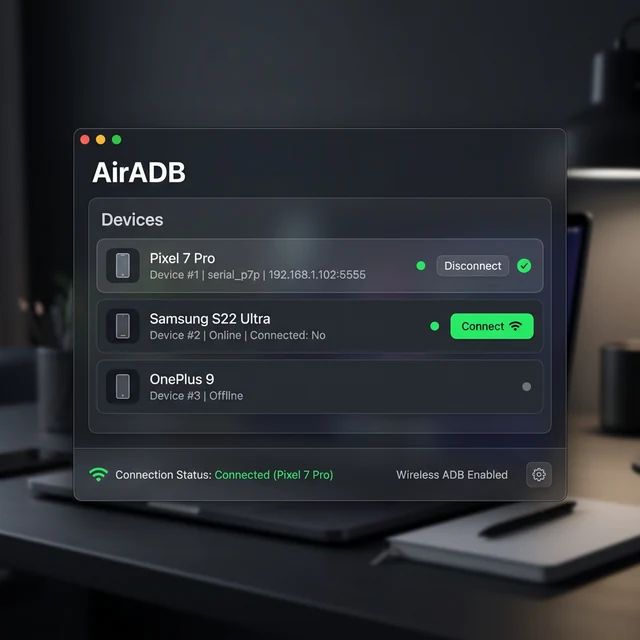
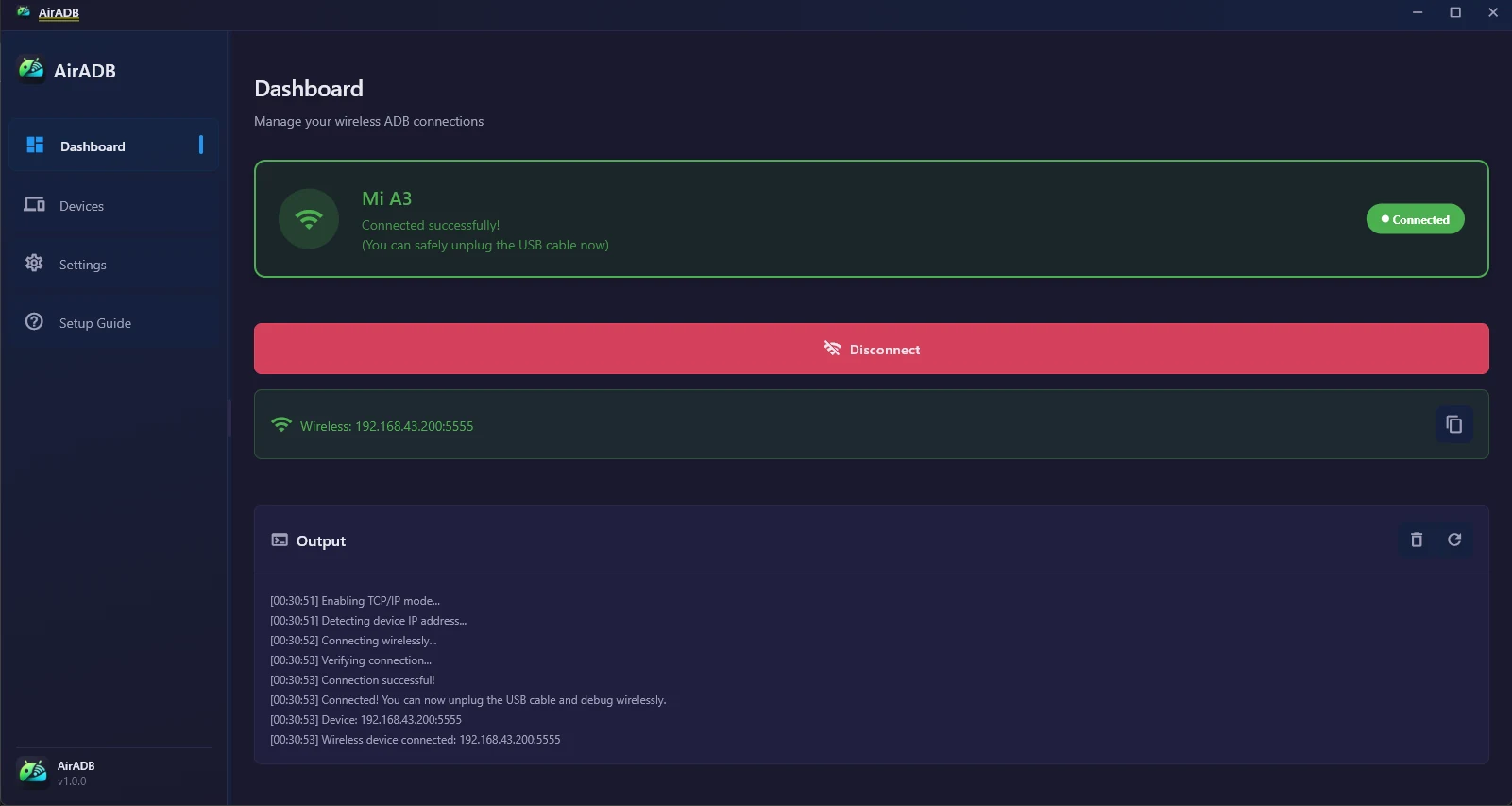
AirADB wraps the entire connection lifecycle in one graphical action. It auto-detects the adb binary, switches the device to TCP/IP mode, resolves the device IPv4 across multiple interfaces, connects, and verifies registration — surfacing plain-English diagnostics at each step. It runs fully locally with no telemetry.
Problem & Context
Wireless Android debugging normally means a fragile terminal ceremony — adb tcpip 5555, parsing the device IP by hand, adb connect, adb devices — repeated after every disconnect. Android Studio's built-in wireless debugging relies on Android 11+ pairing and router mDNS, so it fails on mobile hotspots and older devices.
Key Capabilities
- One-click wireless ADB connection
- Multi-interface IP discovery (wlan0, rndis0, ap0) for hotspot and tethered setups
- Zero-config ADB auto-detection from PATH and common SDK paths
- Plain-English error diagnostics that translate cryptic ADB output
- Auto-reconnect and auto-disconnect on close
- Custom frameless window chrome with state persistence
Engineering Notes
Direct async process spawning with concurrent stream draining
adb is spawned with runInShell:false and stdout/stderr drained concurrently via Future.wait, avoiding shell-injection and output-truncation deadlocks.
Multi-interface fallback for hotspot support
A prioritized wlan0 → rndis0 → ap0 resolution chain (with ip addr / ifconfig fallbacks) enables wireless debugging in router-free environments.
Zero-telemetry local architecture
No analytics, tracking, or credential transmission. The only outbound call is an optional read-only version check.
Verified in the Repository
Facts below are verified in the project's source repository (static code audit). They are not runtime or business metrics.
- CI pipeline runs flutter analyze, dart format, flutter test, and a Windows release build
- Unit tests cover ADB device parsing and IP extraction
- ~25 MB portable executable footprint
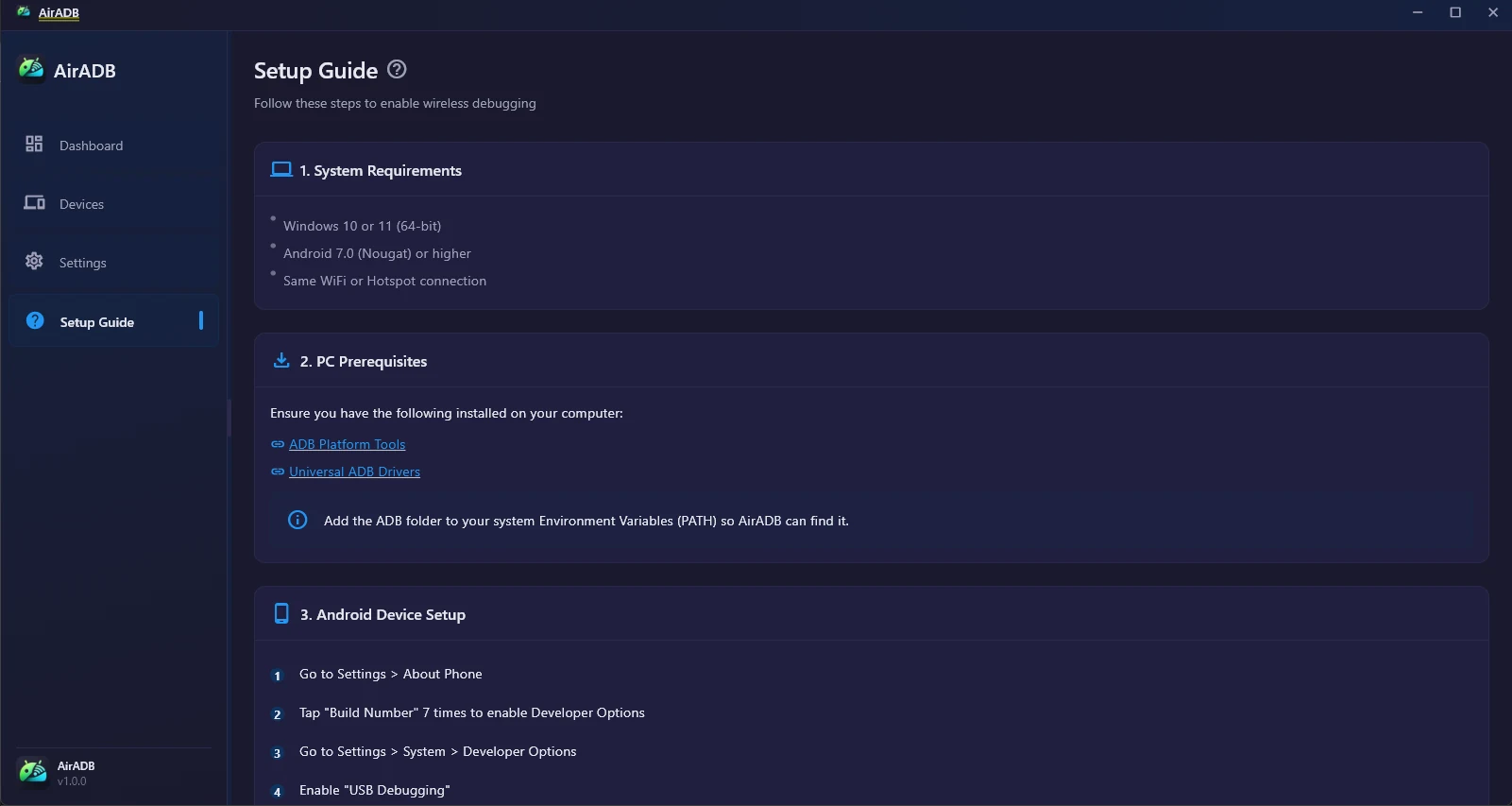
- Supports Windows 10/11 and Android 7.0 through 14+
- MIT licensed
Current Status & Limitations
Production · v1.0.0 Released.
- Windows-only distribution today; macOS/Linux builds are not yet published.
- An initial USB connection is required before the first wireless handoff.
- The automated one-click flow targets one primary device at a time.